If Order Value Is Not Passed on Every Purchase, Your ROAS Bidding Is Guessing
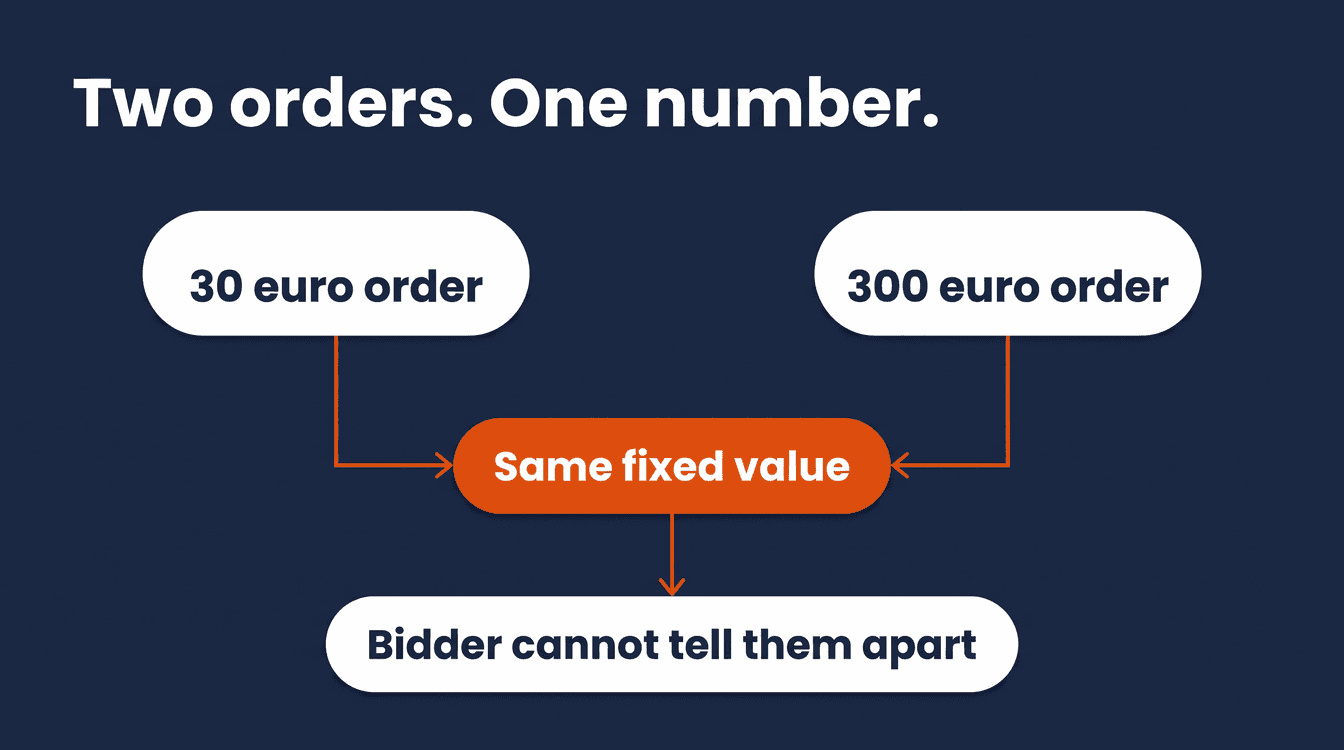
A 30 euro order and a 300 euro order. To you, that is the difference between a decent day and a great one. To Google Ads, they are only different economic signals if you pass back the real order value. Send the same fixed value for both purchases, and the bid strategy cannot see the difference between those orders at all.
That is the problem with Target ROAS and Maximize Conversion Value that almost nobody checks before they start turning dials. Neither strategy bids on clicks, and neither bids on conversions. They steer on the conversion value you report to Google Ads. For an online store that is usually order revenue, but it can be a different economic value too, such as margin or a predefined proxy value. The bid strategy is only ever as reliable as the value data it learns from. Get that value wrong, and Google optimizes on a flawed signal: a guess, a flat number, or worse, money that was never actually earned, counted twice.
This is the check that comes before every other bidding tactic. Before you adjust a target, raise a budget, or rebuild a campaign structure: are you certain every purchase counts exactly once, with its real value attached?
Why value-based bidding needs spread, not just a number
For Target ROAS eligibility, Google counts conversions with a value greater than zero: that is a condition specific to Search and Shopping campaigns, not a universal rule for every conversion action. Zero-value conversions can still show up in your tracking data, but they do not contribute to the value the strategy can optimize on. Maximize Conversion Value goes a step further and explicitly asks for transaction-specific values before you turn the strategy on.
But the real issue sits one level deeper. Google's own documentation on value-based Smart Bidding is direct about it: the system needs two or more different values to tell conversions apart by their economic impact. Without that spread, the system cannot distinguish conversions by economic value at all. It sees a hundred conversions of fifty euro and registers a hundred sales, but not reliably how valuable each individual sale actually was, while the reality is a long tail of small orders and a handful of large ones.
Which brings us to the most common cause: a fixed value. Google Ads itself draws the line between dynamic values, more representative of the actual transaction but more work to set up, and a fixed value, easier to configure but less representative. The sentence that matters most: if you do not add the code for dynamic values, the fixed value you entered gets used for every single conversion. That is the 30-euro-equals-300-euro problem, written into the product, and not a theoretical scenario: the moment dynamic values are missing, every conversion gets the same fixed value attached.
Why this is rarely a setting you can flip
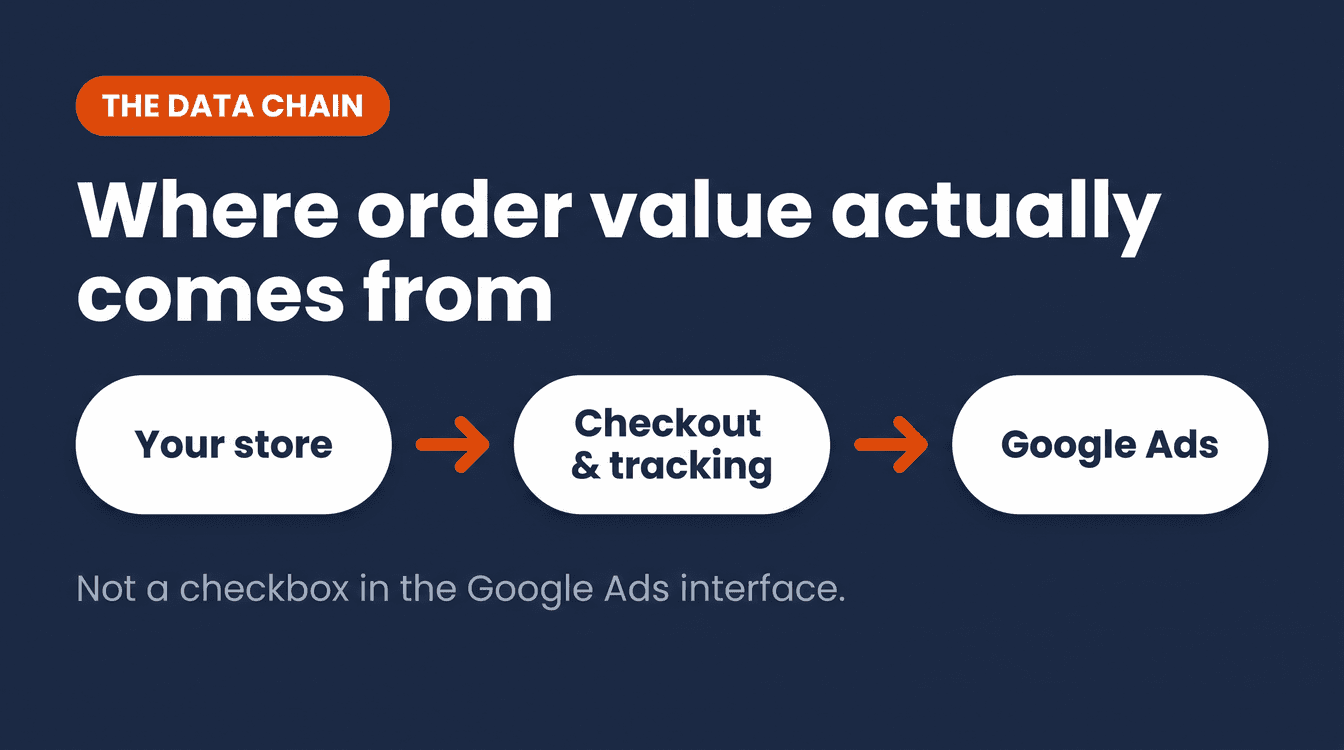
Most advice on this topic treats it as a checkbox somewhere in the Google Ads interface. Order value comes from somewhere else: your store, through checkout, the data layer, Google Tag Manager, or server-side tracking, into Google Ads. This is primarily an ecommerce and tracking data problem, not just a Google Ads setting. Your product feed can be part of that wider chain, for instance as source data for pricing, but it does not typically determine the conversion value of a purchase directly. That chain, from store to tracking data to bid, is where I actually find these mistakes, not inside the bid strategy itself.
What I see again and again: a value that got set as a temporary fix once, usually at the first implementation, when dynamic values were not wired up yet or nobody had the time. And then it never gets revisited. The campaign keeps running, conversions keep coming in, the dashboard looks healthy. But the bid has been blind to order size from day one, and nobody noticed because nothing looked broken.
That is exactly why this is primarily an ecommerce and tracking data problem, not just a Google Ads setting. Fix it only in the interface without fixing the source, and you will be back to a fixed value within a few months, the moment your next store update overwrites the dynamic code again. It is the same reason I never look at bidding and feed data as separate worlds: a weak link at the front of that chain poisons every decision made on top of it.
The check: three things you can verify today
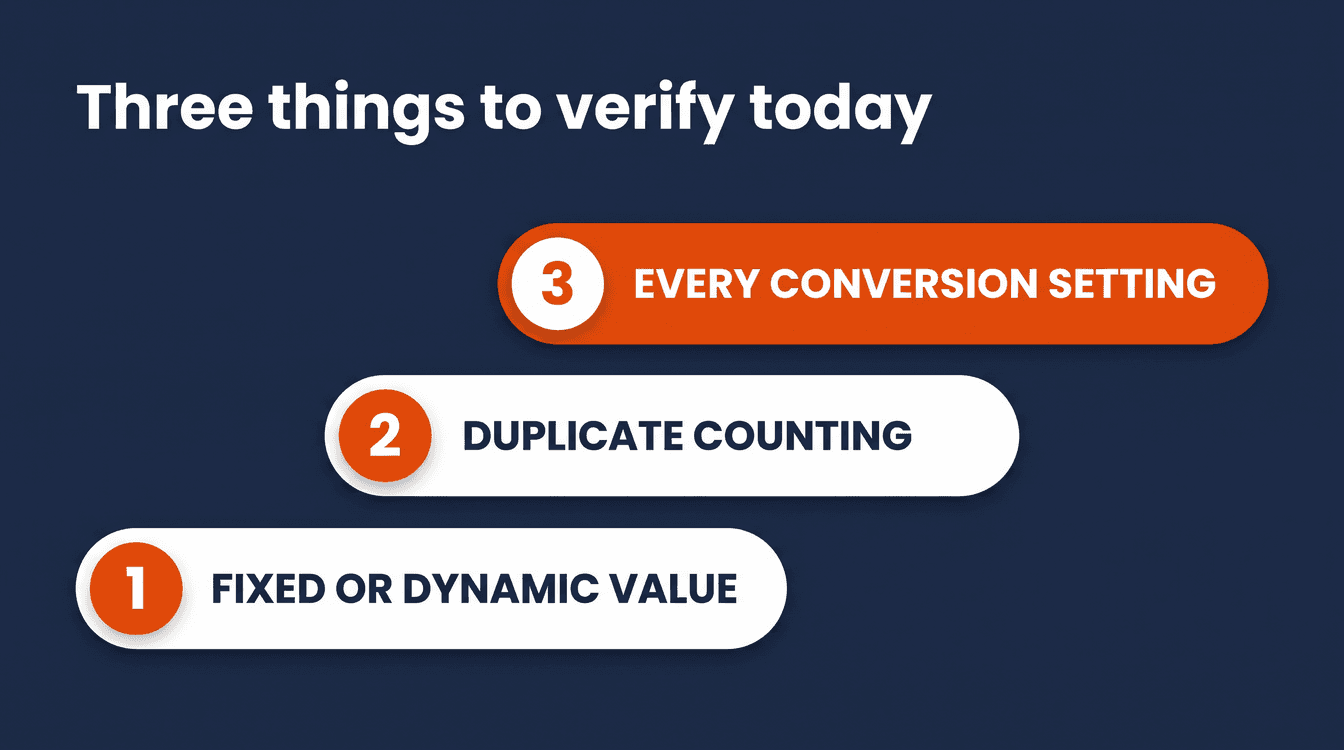
1. Fixed value or dynamic value
Look at the conversion value column in Google Ads for your purchase conversion action. If you see the exact same amount on every order, a fixed value is in use, no matter what the customer actually spent. The fix is not to raise that number. The fix is to make sure the dynamic value from your ecommerce tracking is actually flowing through, so every order reports its own amount.
2. Duplicate counting
If a customer reloads the confirmation page or hits back, the same tag can fire again and the same order gets counted a second time within the same conversion action. Google Ads Help acknowledges this directly and offers a fix: a transaction ID. If two conversions come in with the same transaction ID for the same conversion action, Google Ads recognizes the second as a duplicate and drops it. There is a limit to this fix worth knowing: a transaction ID does not automatically deduplicate across different conversion actions, and it will not catch the same purchase arriving through two separate routes, for example a regular conversion alongside a separately imported conversion that is not tied to the same action. Check whether your purchase conversion action uses one. If it does not, that is a meaningful technical improvement to make, though it needs to be wired up correctly from your store, so do not treat it as a five-minute fix.
3. The right counting setting
A purchase conversion action should be set to "Every conversion," not "One conversion." For purchases, every individual transaction is a genuine sale, so you want all of them counted. For lead actions, Google often defaults to "One," because multiple forms or contact moments after the same ad interaction do not always represent separate new customers. This is also the default for website conversion actions, so in most accounts it is already correct. Check it anyway, especially if the conversion action was ever edited by hand.
The tension Google's own docs do not spell out
Google's documentation treats duplicate conversions purely as a counting problem, your conversion count is off. What actually happens in practice goes further. Count an order twice, and its value gets added a second time too. A campaign can end up looking like it generates more revenue than it really does, and Target ROAS or Maximize Conversion Value then optimizes on that inflated signal.
This is my own reasoning, not a literal claim from Google. Google's own sources say nothing explicit about the effect on the bidding algorithms, only about correct counting. But the math is simple: a duplicated order looks like extra revenue to the reported conversion value. That can make a campaign look more profitable than it really is, and a value-based bid strategy can end up learning from an inflated value signal. The bidding system uses more signals than total value alone, so the outcome is not technically identical in every respect to a fixed value, but it pushes in the same wrong direction.
What this means in practice
- A fixed conversion value gives every order, big or small, the same weight in your bid strategy. That is not a setting, that is making the algorithm blind on purpose.
- Target ROAS and Maximize Conversion Value both require value per transaction, stated plainly in Google's own conditions for using them.
- Without spread in the reported values, the system cannot distinguish conversions by economic value: you are passing a conversion signal, but barely any usable information about the difference between a small order and a large one.
- A duplicate order (within the same conversion action, without a working transaction ID) adds its value a second time, distorting the bid signal in the same direction as a fixed value.
- This is primarily an ecommerce and tracking data problem, not just a Google Ads setting. Fix it only in the interface, and you will lose the fix again within months.
The next step
Check these three things before you touch a target or a budget. If you are not sure your value tracking is clean, or you want someone who sees the whole chain from feed to bid to check it for you, the Google Shopping account review is the place to start. I go through your feed and your bidding together, because value tracking is rarely a problem you can fix in only one of the two.
If you want to see how this fits into the bigger picture, from feed to campaign type to bidding, the complete guide to Google Ads for ecommerce walks through the whole chain. And once your value tracking is clean, the next check worth making is whether your target ROAS itself is set too high, because a realistic target on top of polluted data still throttles your spend. For catalogues large enough that checking this by hand is not practical, a free Claude skill for Google Ads can help flag the accounts and products worth a closer look.
Do this today: open your purchase conversion action in Google Ads and check the conversion value column. If every order shows the exact same number, you have found your problem before you have changed a single bid.
Frequently asked questions
What is the difference between a conversion and a conversion value in Google Ads?
A conversion is the action itself, a purchase, for example. The conversion value is the amount you attach to that action. Value-based bid strategies do not primarily steer on how many conversions you get, they steer on the total conversion value reported, usually order revenue but sometimes a different value such as margin, so without an accurate value per conversion the bid strategy is missing a large part of the information it needs.
What is a good conversion value for Google Ads?
There is no fixed good number, the value simply needs to match what the customer actually paid. A dynamic value that varies per order beats a fixed amount every time, even when that fixed amount happens to sit close to your average order value, because the algorithm still cannot tell a small order from a large one.
How do I stop Google Ads from counting the same order twice?
Use a transaction ID in your conversion tracking. If two conversions come in with the same ID for the same conversion action, Google Ads recognizes the second one as a duplicate and does not count it.
How many conversions do I need before I can use Target ROAS?
For Search and Shopping campaigns specifically, Google mentions at least 15 conversions in the past 30 days at the conversion tracking level, with conversions needing a value greater than zero to count. That is an eligibility guideline, not a guarantee that Target ROAS will perform stably or profitably right away: how much data you actually need also depends on conversion delay, campaign volume, spread in order value, and account structure. Other campaign types have different thresholds.
About the author

Auke Jongbloed
Auke Jongbloed is a Google Shopping and product feed specialist. He builds a product feed manager for WooCommerce, and works directly with ecommerce store owners on Google Shopping and Performance Max setups via aukemarketing.com. Follow him on LinkedIn for more on Google Shopping and feed strategy.
Free feed review
Get the 5 biggest fixes for your Shopping feed
Send me your store and I look at your product feed and Merchant Center. Within 3 business days you get the 5 biggest fixes, in plain language. Free, 5 reviews per month, no commitment.
Get your free feed review