Popularity Rank: What It Is, What It Isn't, and How to Calculate It Automatically in WooCommerce
Google added a new Merchant Center field, popularity_rank, meant to help AI shopping experiences understand which of your products are actually your best sellers. Here is what it does, what it doesn't do, and how I generate it automatically for WooCommerce stores.
Key insights
popularity_rankis optional, part of Google's conversational attributes, and primarily built for AI Mode, not a proven lever for standard Shopping ads.- Google requires the value to be accurate but publishes no required formula, units sold, revenue, or a blend are all defensible choices.
- A free WooCommerce script can calculate and refresh the score automatically from real order data, no manual scoring involved.
- Submit it through a supplemental data source, Google's recommended route, without touching your primary feed's approval status.
What popularity_rank actually is
popularity_rank is one of six attributes Google currently lists under its conversational attributes set in the Merchant Center product data specification I break down in the complete guide to how Google Shopping works, alongside question_and_answer, document_link, related_product, item_group_title, and variant_option. All six are optional and sit next to your existing product data, they don't replace any of it.
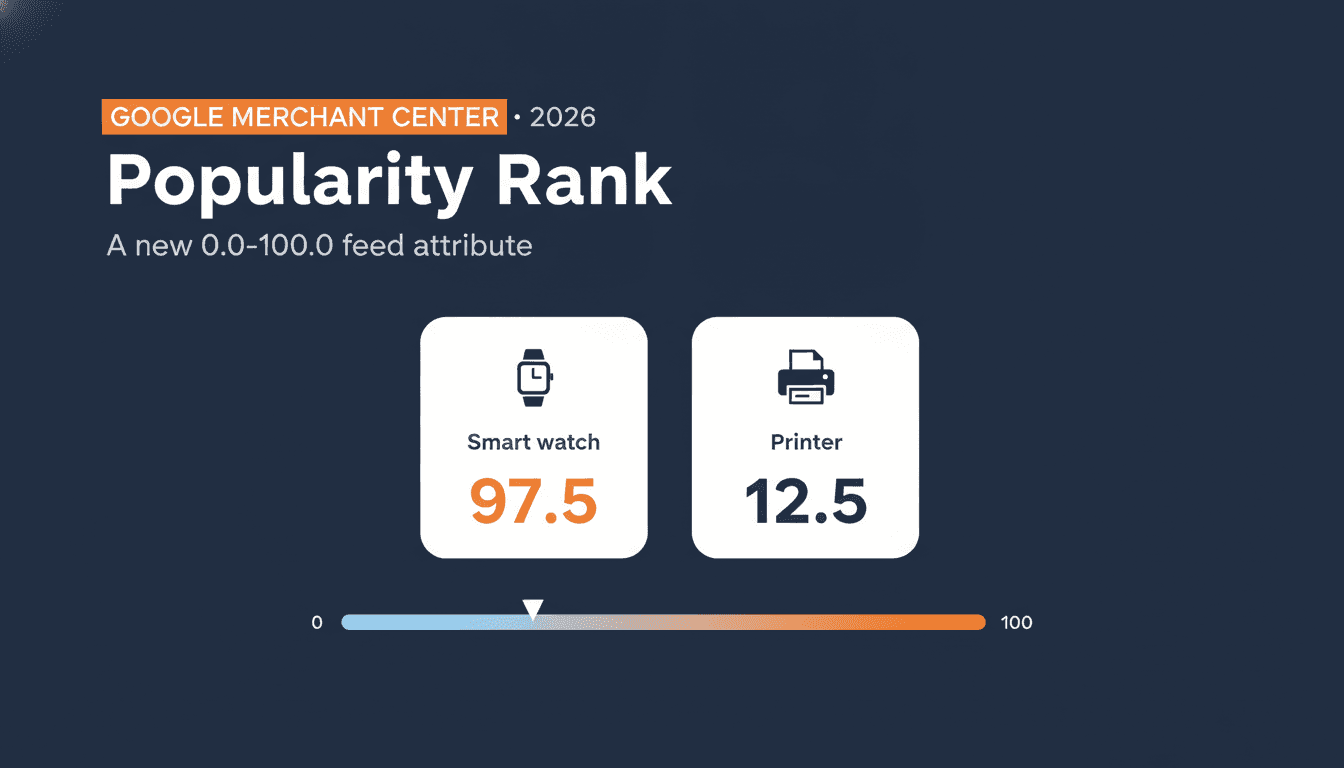
Google's own definition: popularity_rank indicates the popularity of a product, ranked as a percentage of total inventory. You submit a number between 0.0 and 100.0, at most one decimal, no percent sign. Higher values mean stronger relative performance, lower values mean weaker. Google's own examples use exactly that range: a best-selling smart watch at 97.5, a slow-moving printer at 12.5.
One thing worth being precise about, because most of what I've read online blurs it: the value should reflect how a product performs relative to the other products in your own inventory, not the wider market. It's not a market-share number, not a raw revenue figure. Google's minimum requirement is that the ranking be accurate and correctly ordered against the rest of what you sell.
What Google says it's for
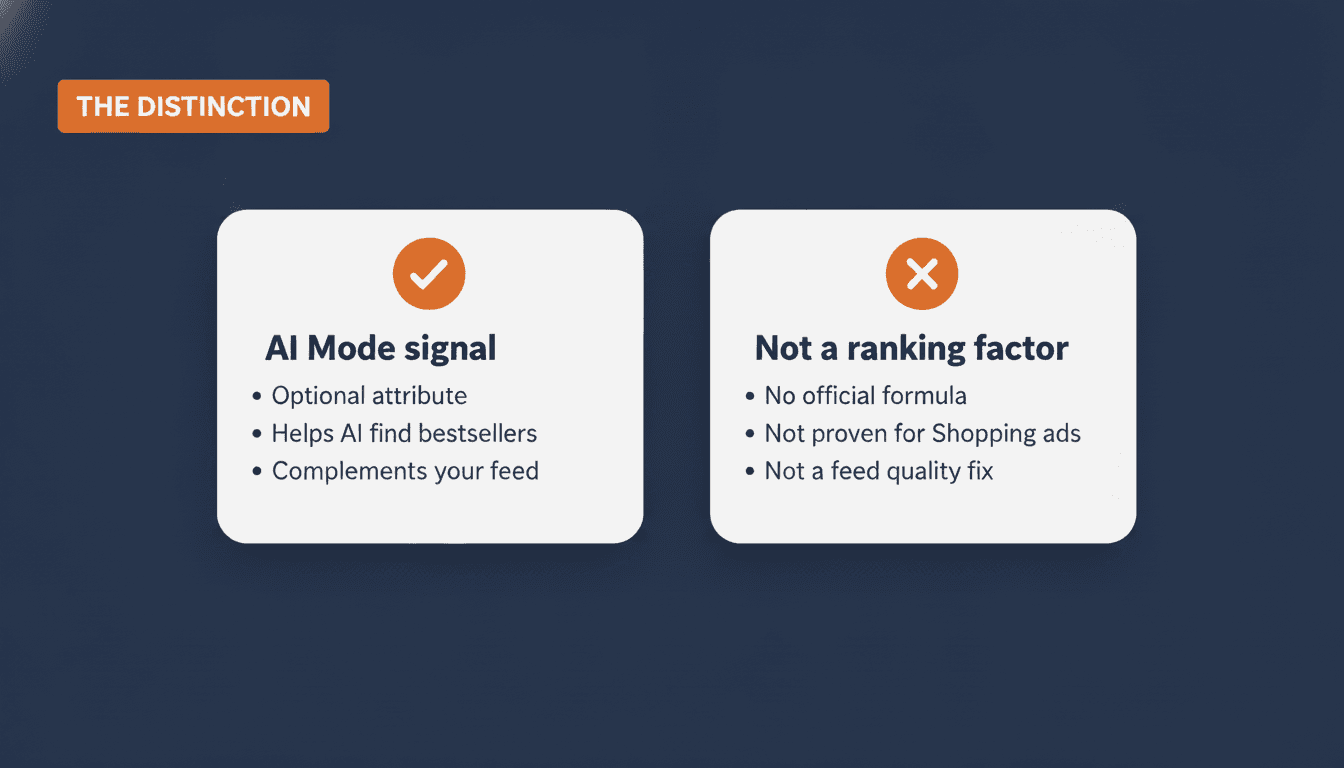
Google is explicit that this attribute is primarily intended for conversational experiences such as AI Mode in Google Search, not the standard Shopping auction you're used to. It gives Google's AI systems a machine-readable way to answer a question a shopper might ask out loud: "which of these is your bestseller?" Right now that answer either doesn't exist in your feed, or it's buried in a product title somebody wrote by hand, the same titles Google frequently rewrites anyway.
What it is not
I've seen articles already implying this is a hidden ranking signal for regular Shopping ads. Google's documentation does not say that, and adding a well-calculated score is not going to move your standard Shopping performance on its own. It's also not a required field, and it's not a replacement for the product data quality work you already do (titles, images, product_highlight, product_detail). Google's own docs are clear that conversational attributes complement the primary spec, they don't substitute for it.
The other gap worth naming up front: Google requires the value to be accurate, but its documentation doesn't spell out one required calculation method for getting there. Units sold, revenue, a blend of both, over 30 days or 90, all of that is left to you, as long as the result genuinely reflects your own sales performance. That's the part I want to walk through properly, because "be accurate" isn't an instruction you can act on directly.
How to calculate it in WooCommerce
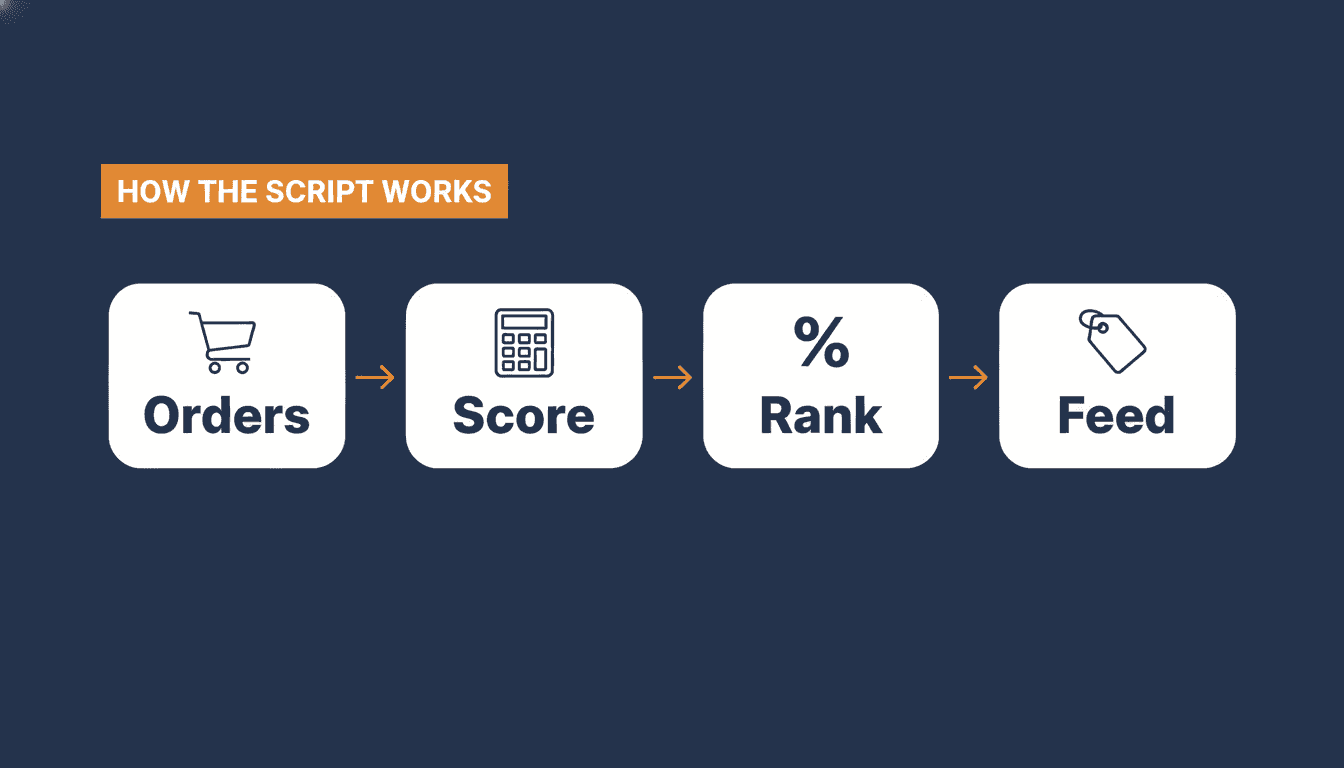
I built a small PHP script that scores every WooCommerce product automatically, so nobody has to fill in a number by hand or guess. Here's exactly what it does.
Which sales count. It only reads orders from the last 90 days (configurable), and only orders in the processing, completed, or on-hold states. A cancelled or refunded order isn't a real sale and shouldn't inflate a product's popularity.
Revenue, units, or both. For each product it combines net revenue (after discounts, excluding tax) and units sold, weighted 70% toward revenue and 30% toward units. That split is my own call. Here's the actual trade-off behind it: if two products sell the same number of units but one generates far more revenue, should it rank higher? That depends on whether your catalog is driven by margin, by volume, or by a mix of both. I lean toward revenue because it's closer to what actually matters to a store's bottom line, but a pure volume weighting is equally defensible for a catalog of similarly priced items.
Variants. Sales on product variations roll up into the parent product automatically, so a shirt sold in five sizes gets scored as one product, not five fragments competing against each other.
Seasonal protection. Products with no recent sales just keep their last score instead of getting dragged to zero. Without this, a seasonal product looks dead the week before its season starts, which is exactly the wrong signal to send.
Skewed catalogs. There's an optional log-transform for catalogs with one or two blockbuster products. Without it, a runaway bestseller can flatten every other product toward the bottom of the 0 to 100 scale, which defeats the point of a relative ranking.
Turning the raw score into the final value. After weighting revenue and units, the script converts that raw number into a percentile rank across your catalog, so your actual best seller lands at 100.0 and everything else is ranked relative to it, rounded to one decimal, exactly the format Google expects.
How often it updates. Run it once through WP-CLI to sanity-check the numbers, then put it on a daily WP-Cron schedule so the score moves with real sales instead of going stale. This is deliberately phase one, calculation only, no admin screen, no feed export logic yet. I'd rather get the scoring logic right before bolting a UI onto numbers I don't trust.
If you're not on WooCommerce, the logic still transfers directly: your platform already has the order history you need. The decisions above, revenue versus units, which time window, straight percentile or softened for outliers, are worth thinking through once rather than redoing every quarter.
A short decision guide
- Use units sold as the main weight if your catalog has similar price points across products.
- Use revenue as the main weight if product values vary a lot, a handful of high-ticket items shouldn't be buried under a wave of small ones.
- Use a hybrid of both if you want the score to reflect demand and commercial value together, which is what my script does by default.
- Use a shorter sales window, 30 days, for fast-moving catalogs where popularity shifts quickly.
- Use a longer window, 90 days or more, for seasonal or low-volume catalogs, so a single good week doesn't distort the ranking.
Whichever you pick, recalculate on a schedule and check the output against what you already know about your bestsellers. If the script tells you your slowest mover is your top performer, something in the sales data or the weighting is wrong, fix that before it goes anywhere near your feed.
How to submit it safely
Google explicitly recommends submitting conversational attributes through a supplemental data source rather than editing your primary feed directly. Adding them does not affect the approval status of products you already have live. You're not rebuilding your feed architecture, you're adding a second, small data source that maps to products you already have, one more piece of the three-layer approach I use to optimize Shopping campaigns.
When to use this
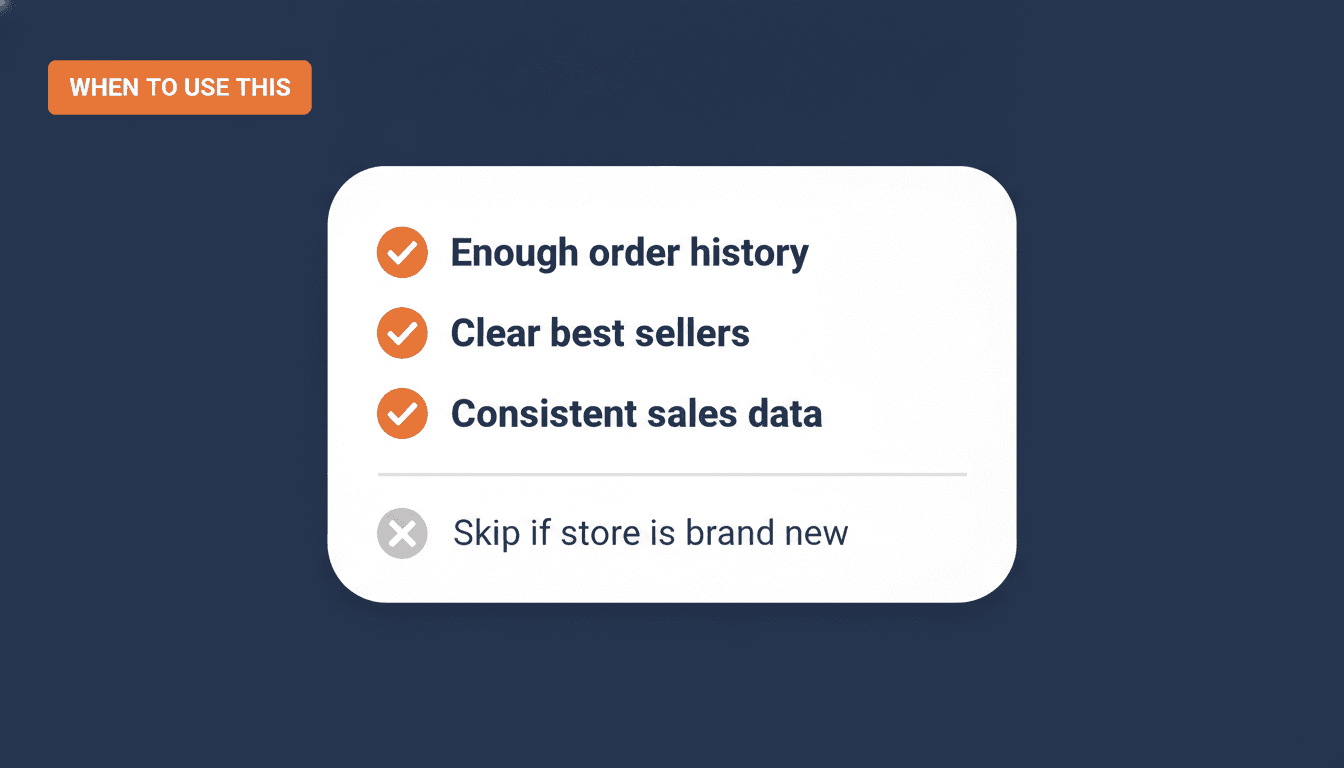
- Use it if you have enough order history to produce a meaningful ranking. A handful of orders spread across a huge catalog won't give you a stable score.
- Use it if your catalog has clear best sellers you want AI systems to recognise as such.
- Skip it for now if your store is too new or too low-volume for a stable score, wait until you have consistent order history first.
I don't have a client case yet showing a clean before-and-after from adding popularity_rank, and I'm not going to pretend otherwise. What I do believe is that Google keeps adding structured data hooks for AI-driven discovery, and the merchants who get comfortable feeding that data early are the ones who won't be scrambling later. Since it's optional, free to calculate correctly, and doesn't touch your existing feed's approval status, this is one of the lower-risk things you can test this quarter.
The script described above is free. Download the WooCommerce Popularity Rank Calculator on GitHub and run it on your own catalog before deciding whether any of this is worth your time. It sits alongside the rest of my free Google Shopping tools, if you want more of the same kind of help.
Frequently asked questions
What is the popularity_rank attribute in Google Merchant Center? It is an optional feed attribute that lets you tell Google how well a product is selling relative to the rest of your own catalog, on a scale from 0.0 to 100.0 with at most one decimal. It is part of Google's conversational attributes, aimed primarily at AI Mode in Google Search.
Is popularity_rank the same as the Popular products report in Merchant Center Analytics? No. Popular products is a reporting dashboard inside Merchant Center that shows trending products and brands across Google. popularity_rank is a feed attribute you submit yourself, describing your own product's standing in your own catalog. They are related in spirit, not the same feature.
Does Google require a specific formula to calculate popularity_rank? No. Google requires the value to be accurate and correctly ranked against your other products, but it does not publish a mandatory calculation method. Units sold, revenue, or a weighted combination are all reasonable approaches, as long as the result genuinely reflects recent sales performance.
Will adding popularity_rank improve my Shopping ads performance? Google does not state that anywhere in its documentation, and no independent evidence confirms it yet either. The attribute is described as being for conversational experiences like AI Mode, not as a ranking factor for standard Shopping ads.
Does adding popularity_rank affect the approval status of my existing products? No. Google states explicitly that adding conversational attributes does not affect the approval status of products you already have live.
How do I submit popularity_rank without rebuilding my whole feed? Google recommends a supplemental data source, essentially a small, separate feed file containing just the product ID and the new attribute values, mapped to your existing products. You can also add it to your primary feed or submit it through the Merchant API.
Is there a free tool to calculate popularity_rank for a WooCommerce store? Yes. I built and released a small PHP script that reads your WooCommerce order history and calculates the score automatically, no manual scoring involved. It is phase one, calculation only for now, and it is free to download on GitHub.
About the author

Auke Jongbloed
Auke Jongbloed is a Google Shopping and product feed specialist. He builds a product feed manager for WooCommerce, and works directly with ecommerce store owners on Google Shopping and Performance Max setups via aukemarketing.com. Follow him on LinkedIn for more on Google Shopping and feed strategy.
Free tools
Get the free tools built from real feed work
Scripts, checklists, and skills built from running real feed accounts and a WooCommerce feed plugin, not theory. No course, no upsell, no email required for most of them.
See the free tools